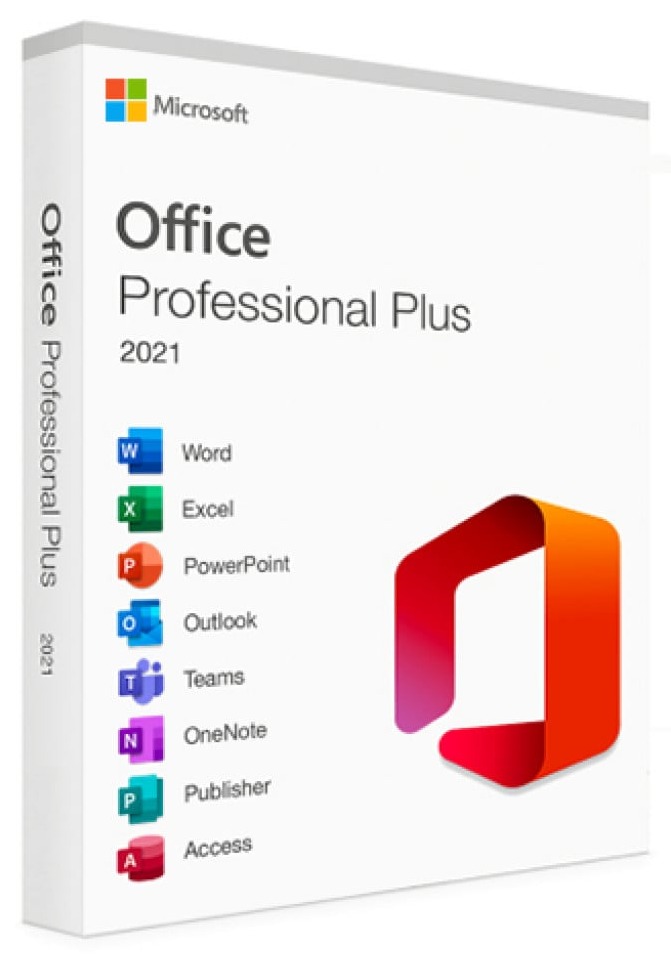
Microsoft Office 2021 Professional Plus is the most complete one-time purchase version of Office for Windows users. This edition includes all core Microsoft productivity applications used in business, education, and professional environments:
Word 2021 – Advanced document creation and editing
Excel 2021 – Powerful spreadsheets, data analysis, and formulas
PowerPoint 2021 – Professional presentations and design tools
Outlook 2021 – Email, calendar, and contact management
Publisher 2021 – Marketing materials, brochures, and layouts
Access 2021 – Database creation and management (Windows only)
You receive the full desktop versions of these programs — no subscription required.
What “Professional Plus” Means (vs Home & Business Versions)
Office 2021 comes in several editions, but Professional Plus is the highest-tier version available.
|
Version |
Included Apps |
Best For |
|---|---|---|
|
Home & Student |
Word, Excel, PowerPoint |
Students and home use |
|
Home & Business |
Word, Excel, PowerPoint, Outlook |
Small business users |
|
Professional Plus |
Word, Excel, PowerPoint, Outlook, Publisher, Access |
Professionals, companies, advanced users |
Professional Plus adds Access and Publisher, making it ideal for:
Businesses managing data
Marketing and design materials
Office environments needing full functionality
Supported Systems & Languages
This product works on:
✔ Windows 10
✔ Windows 11
❌ Not compatible with MacOS, Chromebooks, iOS, or Android.
Language support:
The ISO allows installation in multiple languages supported by Microsoft, including English, Spanish, German, French, Italian, and many others.
How Delivery Works
After your purchase:
You receive your activation key instantly via email.
You receive a download link to the Office 2021 ISO file.
Follow the simple installation steps.
Activate Office using your product key.
No physical disc is shipped — everything is digital and immediate.
What Is the Office 2021 ISO File?
An ISO file is a complete installation image of Microsoft Office. It allows you to:
Install Office without needing a Microsoft account subscription
Keep a copy for future reinstallations
Install even without a constant internet connection
How to Use the ISO
Download the ISO file.
Right-click the file → choose Mount.
Run Setup.exe to install Office.
Enter your product key when prompted.
The ISO contains the official Office installation package format used for system deployments.
Why Choose the ISO Version?
100% genuine digital licence supplied for this software product.
Receive your licence details digitally after purchase.
Please check the product description for device and operating system compatibility.
Software licence details are supplied digitally for checkout fulfilment.
Our team can help with order and licence delivery questions.